Assigning tasks
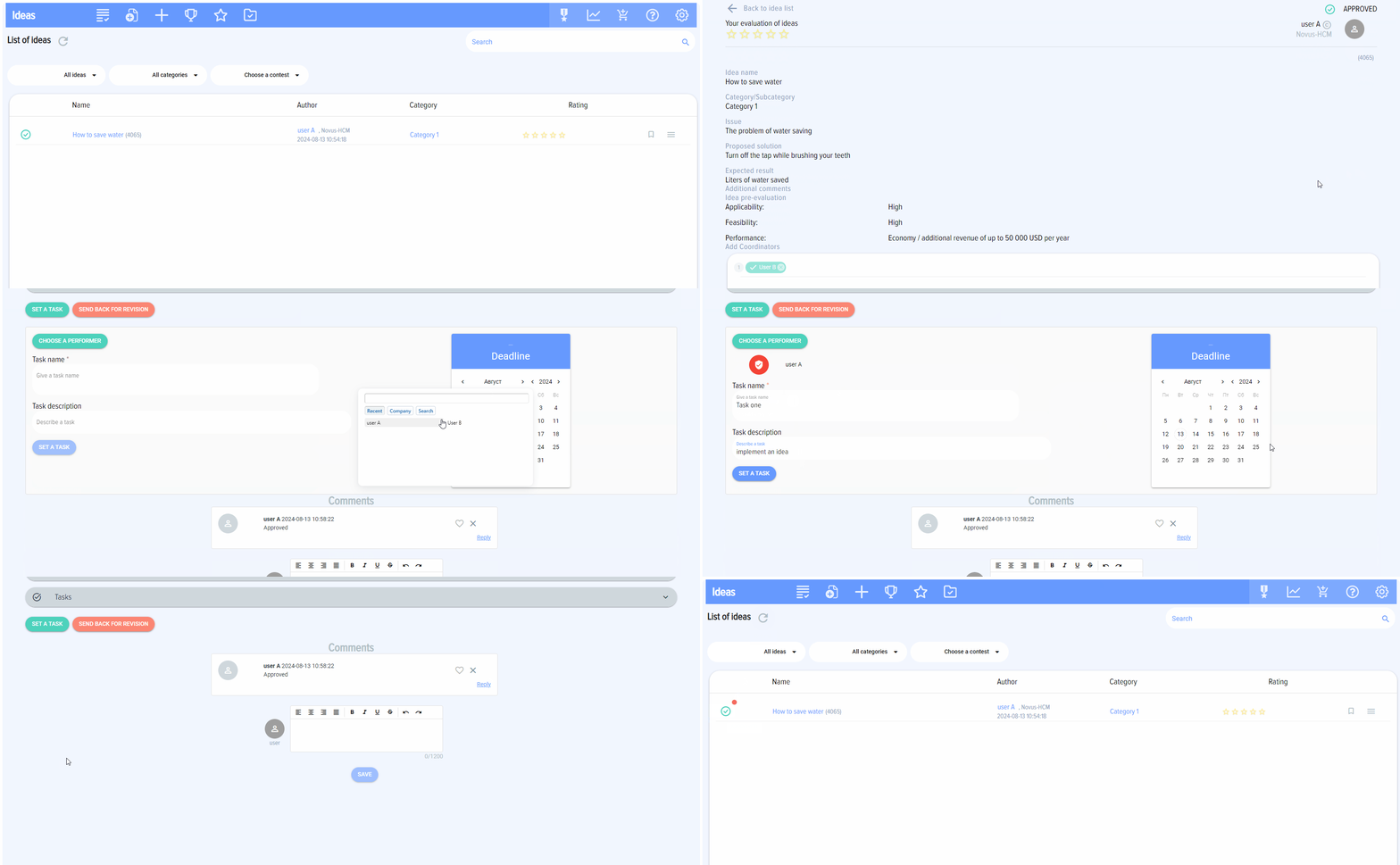
Once the idea is approved tasks can be assigned to it. This can be done:
- From the main page.
- From the idea card.
Only the Approver can assign tasks. Tasks are assigned only to approved ideas.
When you click on the "Set task" button a window for setting a task will appear.
Assigned tasks are integrated with Bitrix24 tasks and will be available in the "Tasks and Projects" section of your Bitrix 24.

If an idea has tasks it has status Task set: 
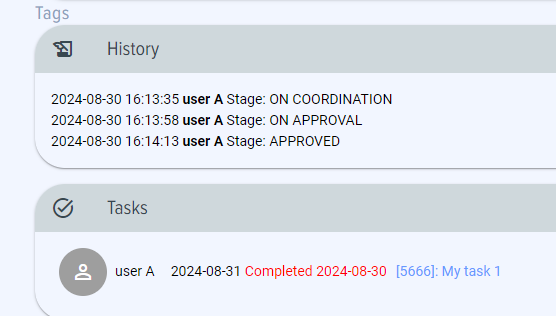
When all tasks are completed the icon becomes green - "All tasks are completed"  and completed tasks on the idea card are as follows: