
My courses
1. The section displays 2 tabs of employee courses:course tabs:
- Assigned courses;
- Passed or In Progress.
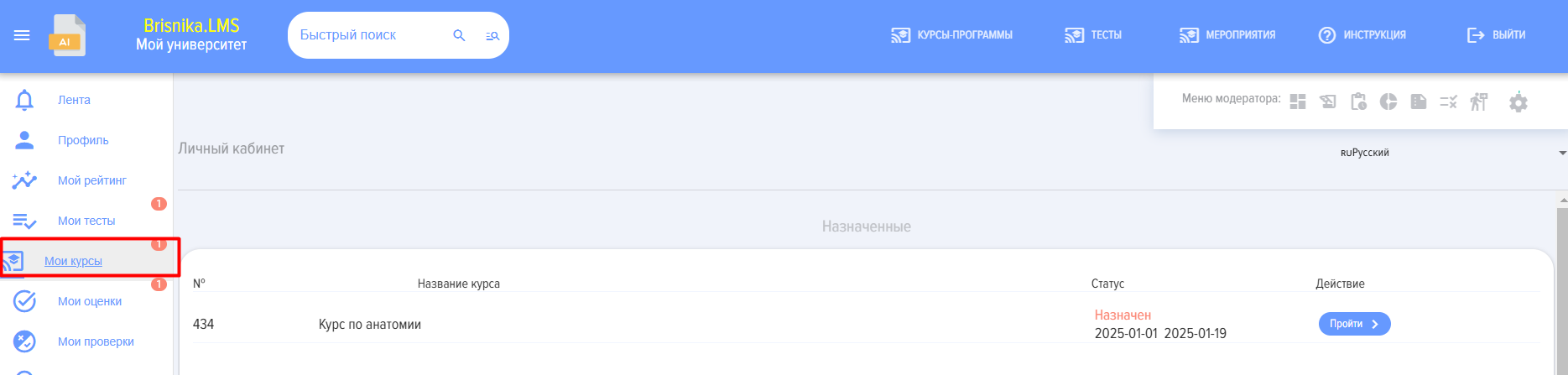
Assigned courses - courses assigned by the moderator.
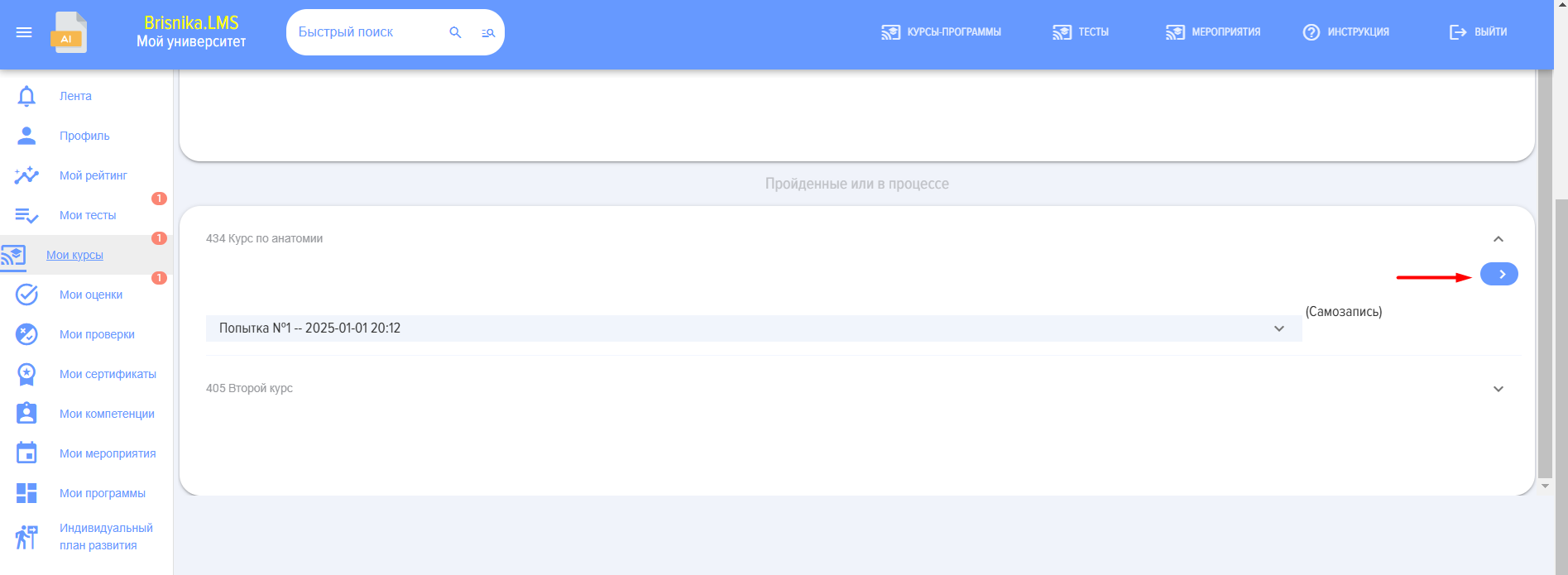
Passed or In Progress - Whenwhen clicking the "Complete" button is pressed,button, Course will move from the "Assigned" section to Section "Completed or In Progress".
2. Upon reassignment, Course is again placedreappears in the top "Assigned" list.
3. In the "Completed or In Progress" section, you can expand Course with the corresponding element and see all course completion attempts (lessons and tests) completion attempts::
4. The list of courses containsincludes the following items:
- number,
Coursecourse name,- Status,
- Active element for course completion.
5. The course statusesmay canhave bethe asfollowing follows:statuses:
- Passed/Not Passed;
- assigned/Self-Enrollment.
6. For completed tests in courses, there may be a "Show Results"results" button. This depends on the settings in the test field "Test Results"results".
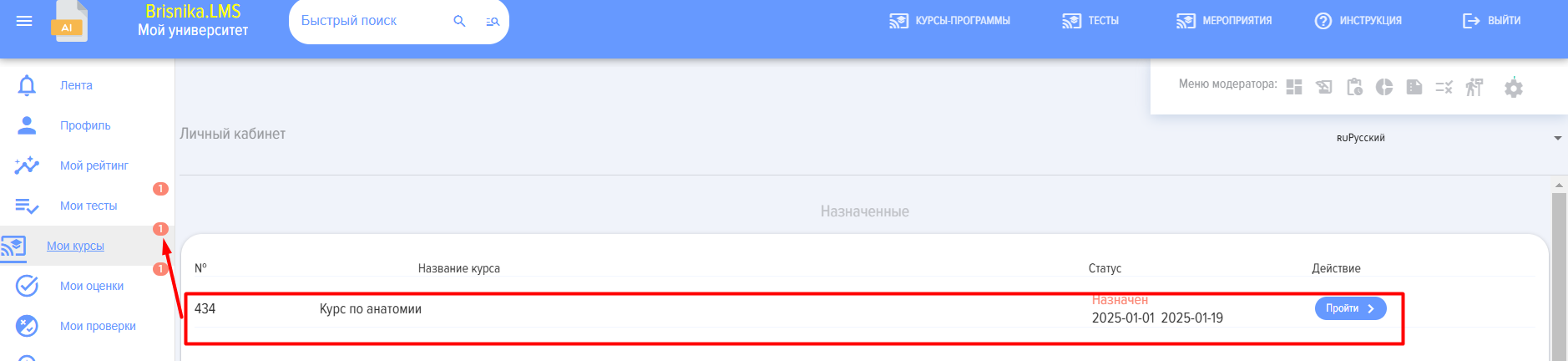
7. If an employee has assigned courses, their number is displayed in a red circle in the menu.
8. For more details, see the section "Courses".