
My materials
1. The section presents the Employee's Materials that they have completed.
2. When a Material is assigned, it appears at the top with the status Assigned.
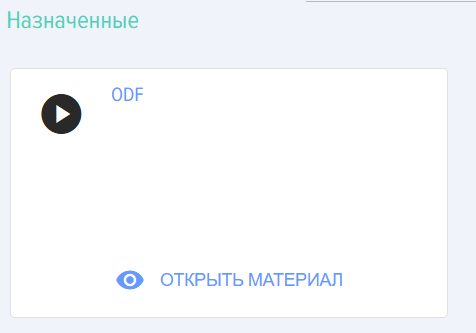
3. After clicking on an element in the material 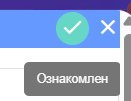 top right, it receives Status Passed.
4. For more details about the Knowledge Base, see the section Knowledge Base.